




Structural Dimension of the BindTuning Workspace Integrity Platform
Automated Microsoft 365 Provisioning
with Built-In Governance
Stop chasing sprawl and start preventing it
Partnership Program

Helping mid-sized & enterprise companies govern workspace creation at scale.





The Transformation
Your Entire M365 Tenant 'Clean By Default'


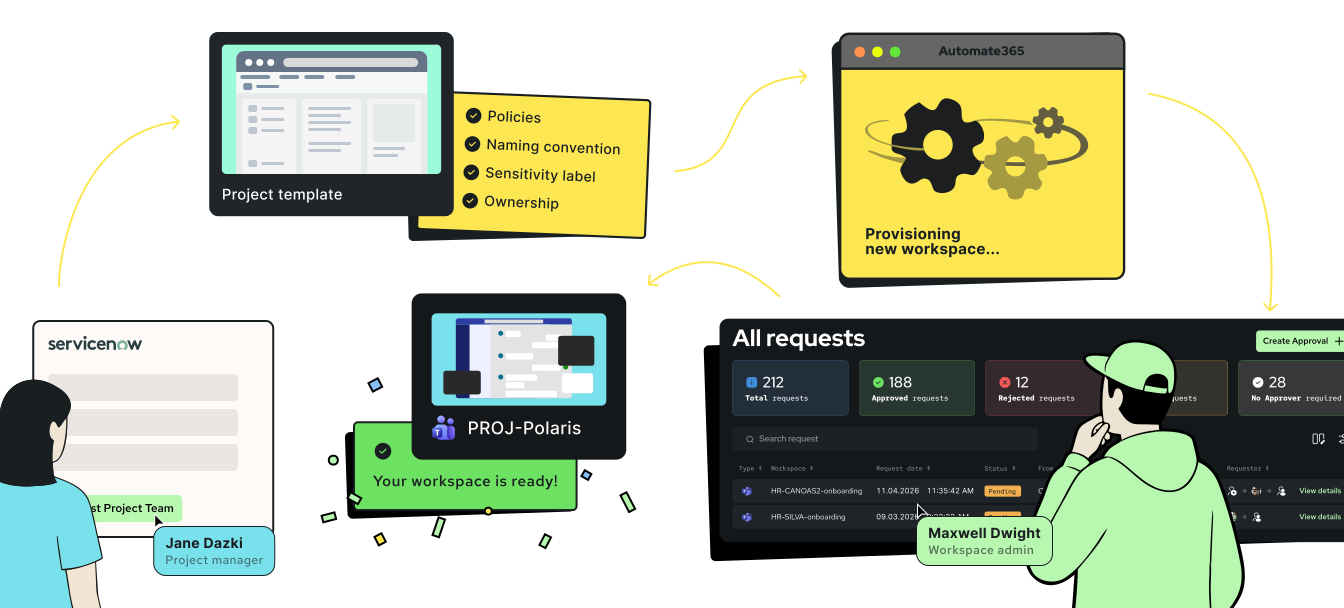
Someone creates a Team called "Marketing Stuff" with default settings, no naming convention, no second owner.
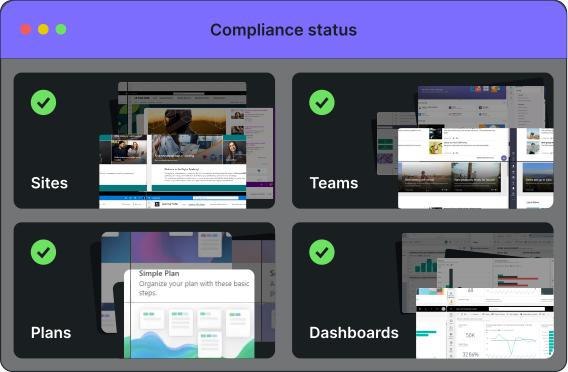
Six months later it's abandoned and duplicates exist because nobody could find the original. Automate365 breaks that cycle, installs standardization and governance at creation —across the Microsoft365 product stack — and eliminates cleanups once and for all.


Automate365



Key Benefits
Give Employees Workspaces That Match Their Work
Project management launches new projects with channels, files, and task lists already configured.
HR onboards employees with checklists and documents ready from day one.
Marketing opens client folders with the exact structure every campaign needs.
Whether it's pharma developing new medicines, consulting, managing client engagements, or any team running projects—the workspace matches the work.
The structure becomes the process.

Key Benefits
Keep IT in Control Without Being the Bottleneck
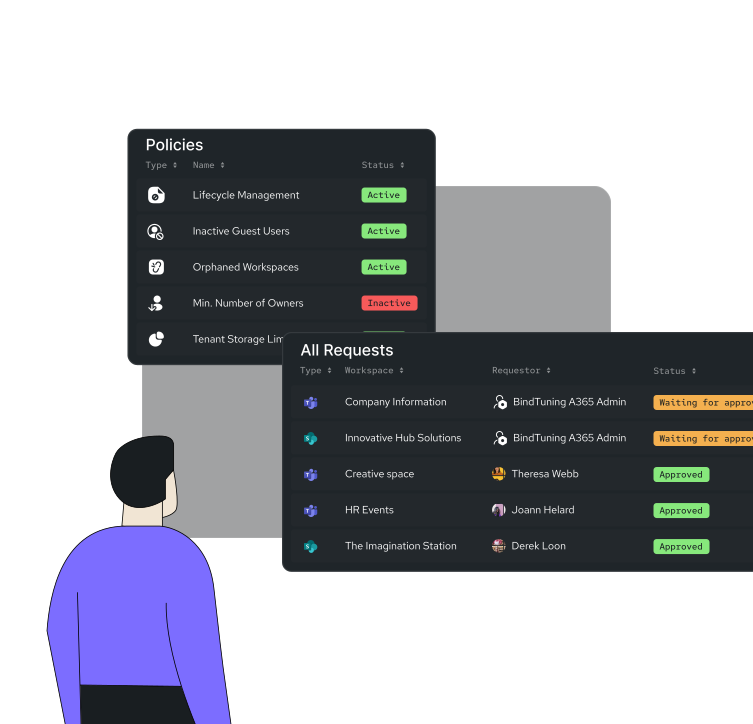
IT defines the rules once, like naming conventions, permissions, governance policies.
Automate365 enforces them automatically. No more help desk requests for project sites or employee folders.
Employees provision what they need, when they need it.
IT maintains visibility and compliance through complete audit trails.
Everyone moves faster.
Key Benefits
Build Templates from Simple to Complex
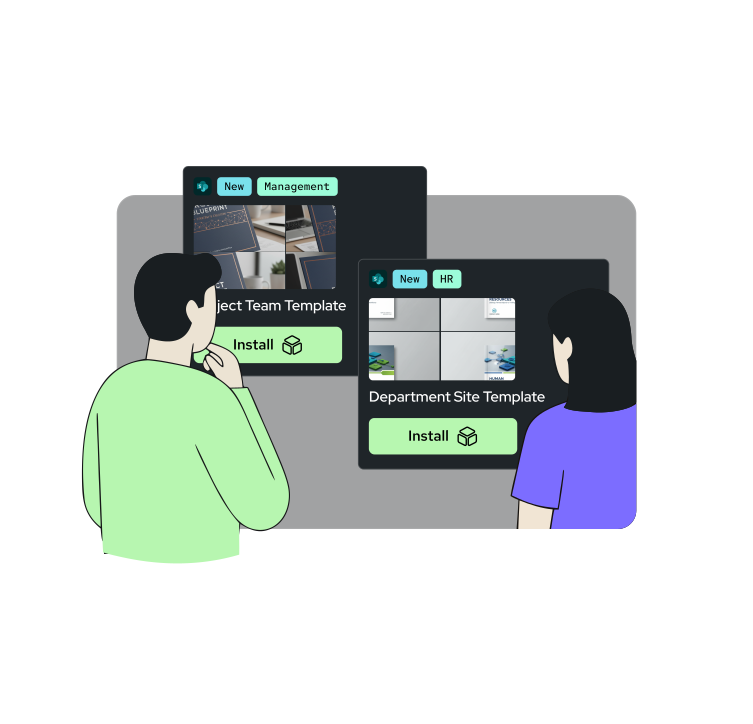
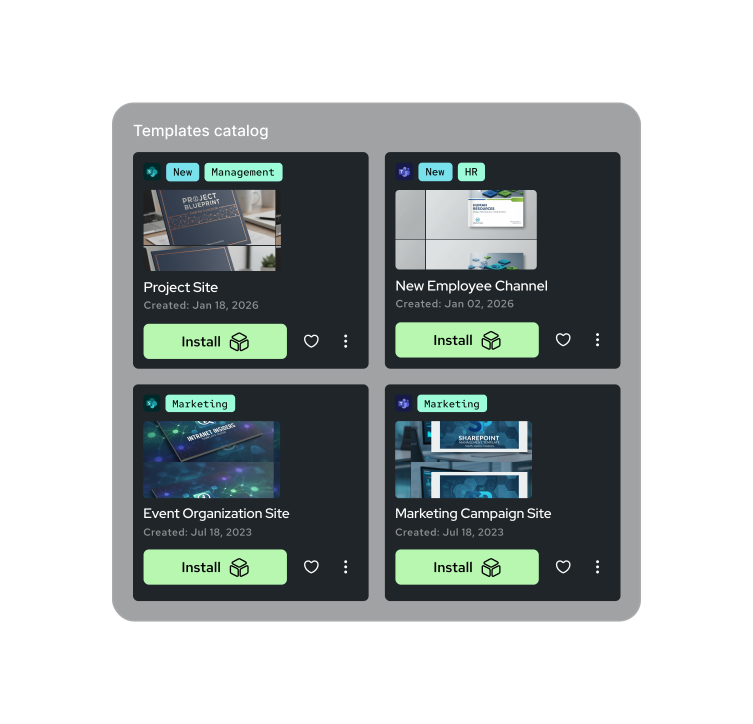
Think of your templates as reusable blueprints that define what every new workspace should include: structure, content, permissions, and policies. Design them once, deploy them as many times as needed. With Automate365, your templates grow with your needs, adapting to any level of complexity:
-
Basic
Enforce naming and permissions
-
Structured
Deploy complete workspaces with pages, libraries, Planner boards, pre-configured web parts
-
Dynamic
Variables like project name, manager, or client adjust during provisioning

Key Benefits
Two Ways to Trigger Provisioning Automatically
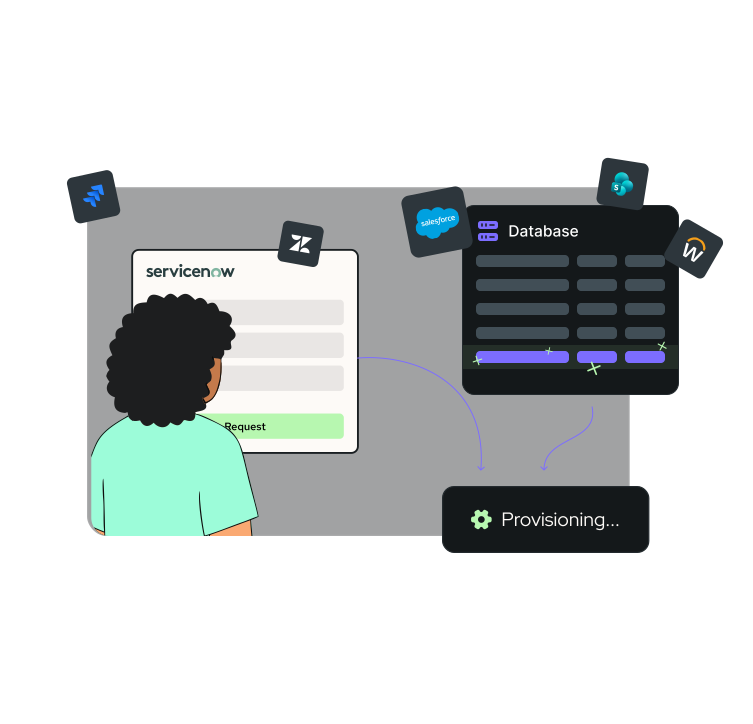
Automation Projects wrap your templates with triggers and integration logic, removing the last manual step from workspace creation. Instead of someone clicking "create workspace," systems and workflows do it automatically.
-
Self-service
Employees request through a catalog or ticketing system. Workspaces appear instantly with governance applied.
-
Data-driven
Connect to CRM, PMO, or HR platforms. New client, new project, new hire—the workspace provisions automatically when your data changes.
Features
What You Get
with Automate365

Powerful Templates
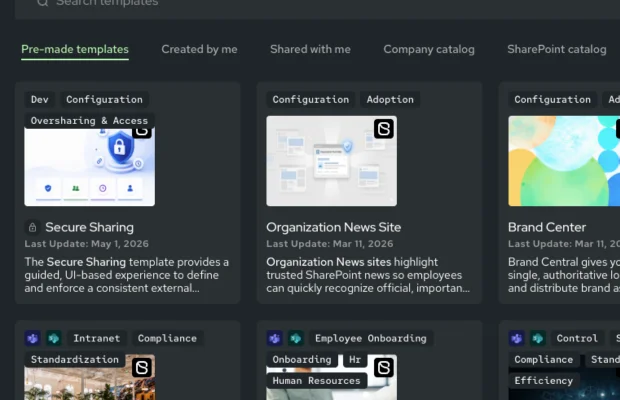
Pre-built templates
for common scenarios (project management, department sites)
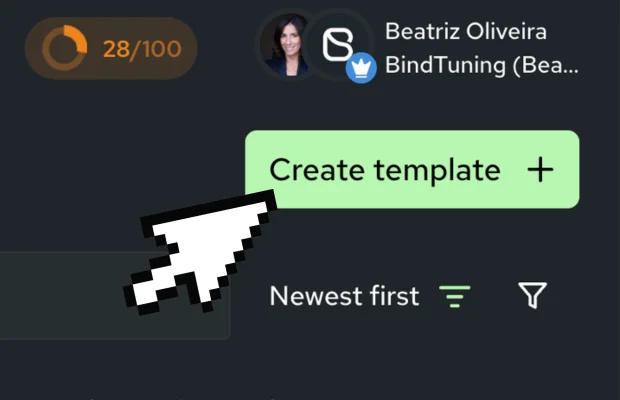
Unlimited custom templates
you design—channels, libraries, Planner boards, pages, web parts
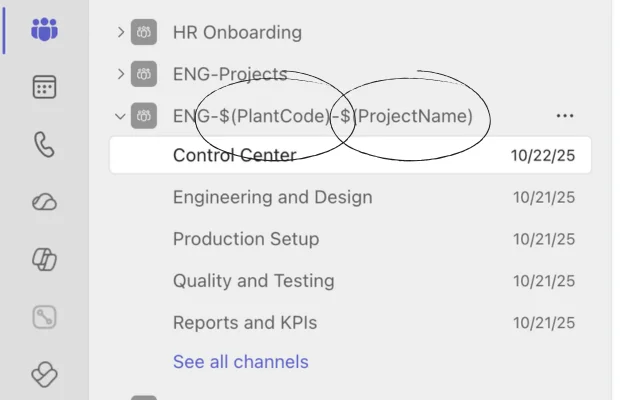
Dynamic content with variables
project name, manager, client that adjust during provisioning
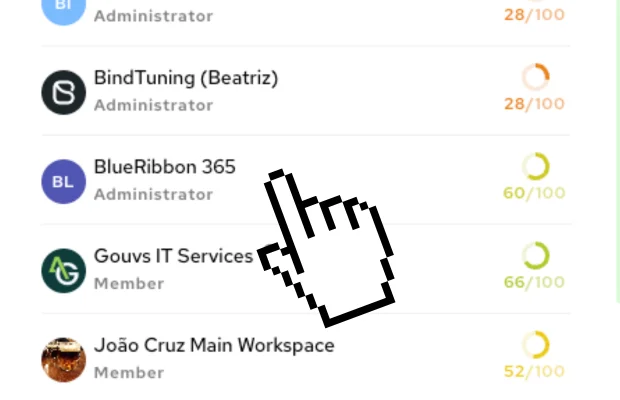
Multi-Tenant & Multi-Geo support
for organizations managing multiple regions

Built-In Governance
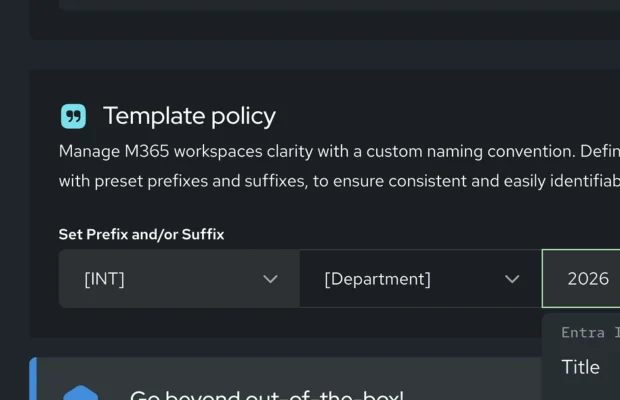
Naming conventions
with prefixes, suffixes, department codes
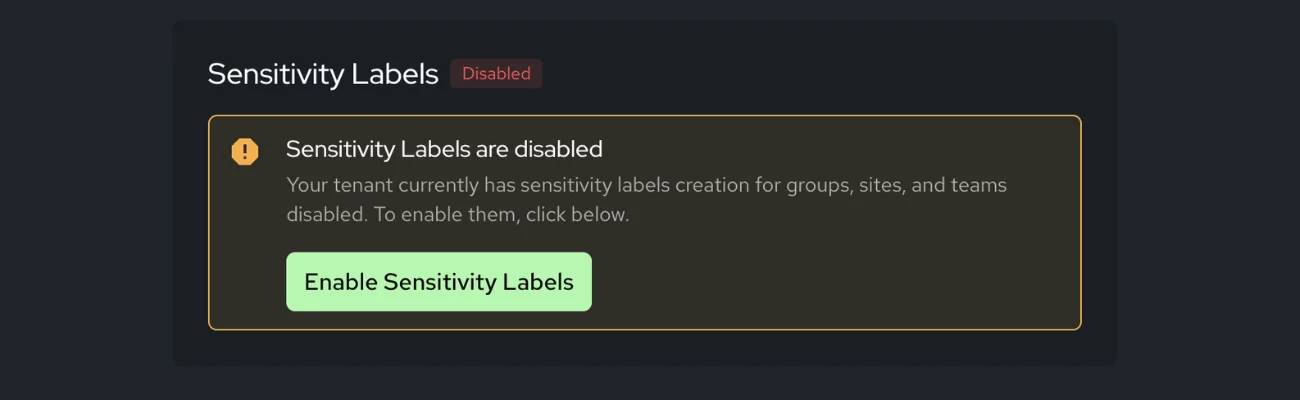
Policy enforcement
for sensitivity and retention labels, privacy and external sharing settings, teams and group settings (incl. member permissions), or messaging settings
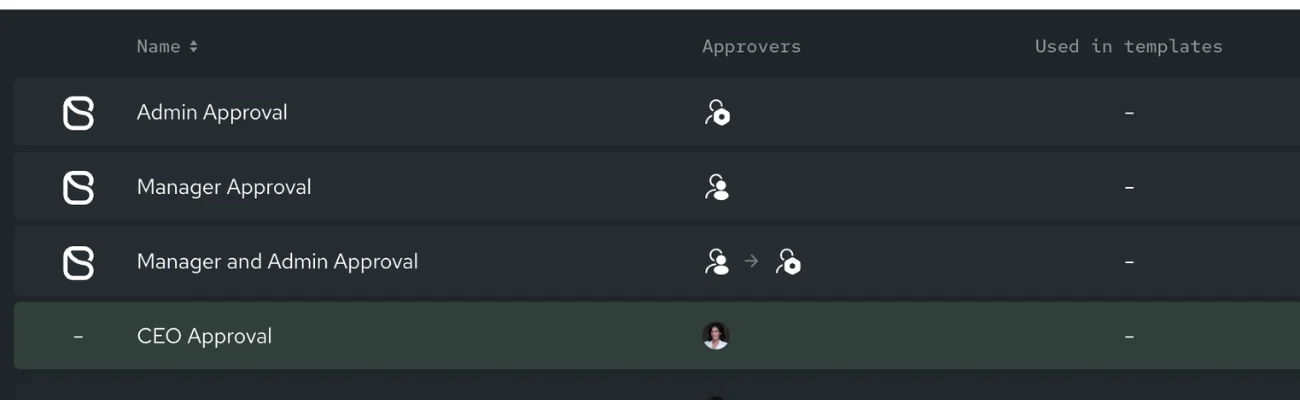
Approval workflows
that route based on template, department, or sensitivity
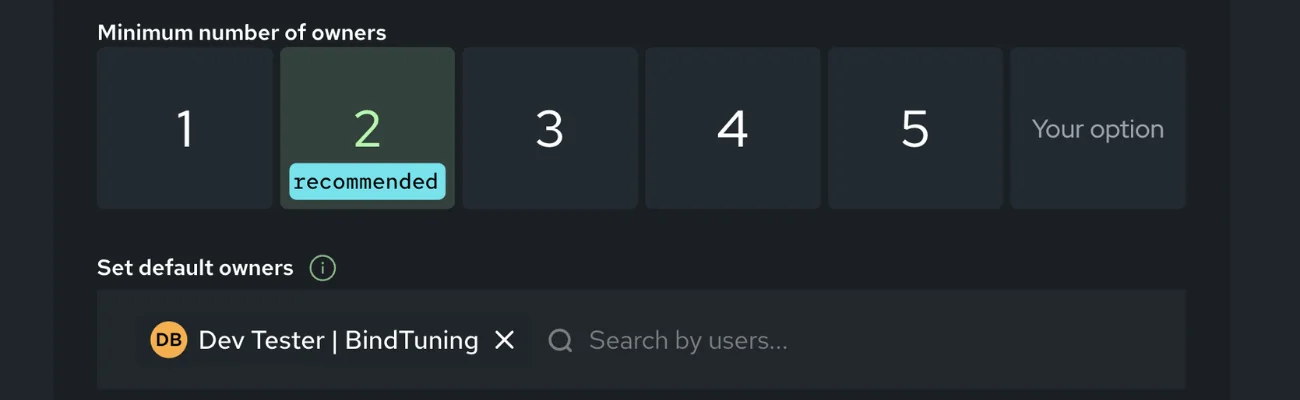
Mandatory second owners
no orphaned workspaces
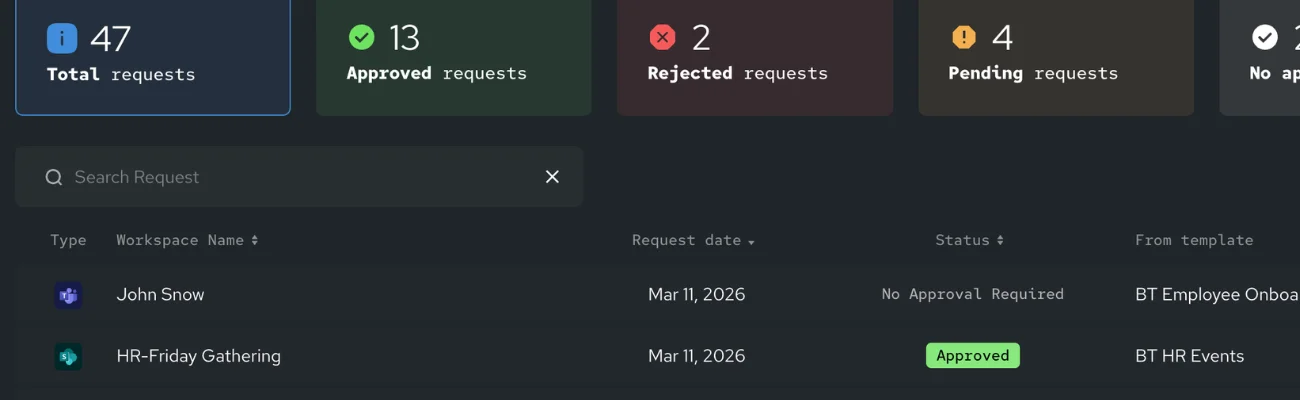
Complete audit trail
of every request and provisioning action

Self-Service Provisioning

On-demand provisioning
IT creates workspaces directly when needed
available in all tiers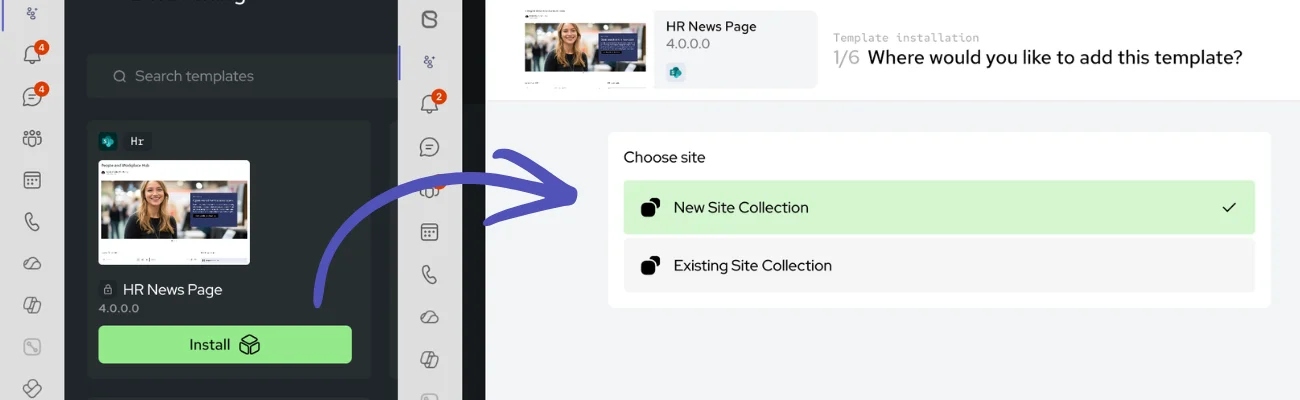
Self-service for end users
Employees browse and request from approved templates
- Via Teams app, web catalog, or SharePoint's native "Create Site" button
- Role-based catalogs show only templates relevant to each user
- Approval workflows route automatically based on your rules


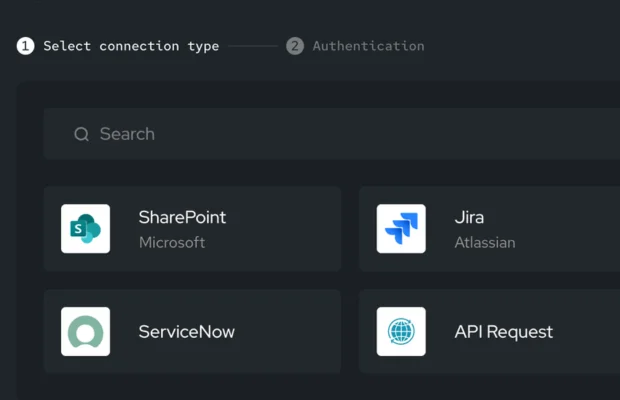
Helpdesk integrations
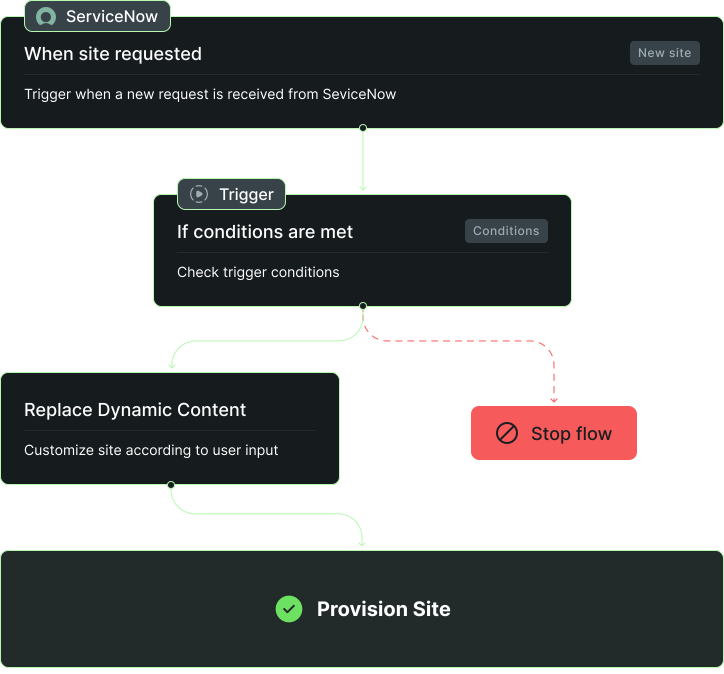
Connect to ServiceNow, Jira, or Zendesk
- Requests flow through your existing ticketing system
- Provisioning happens automatically after approval
* Requires Automation Projects (Enterprise tier)

Data-Driven Provisioning
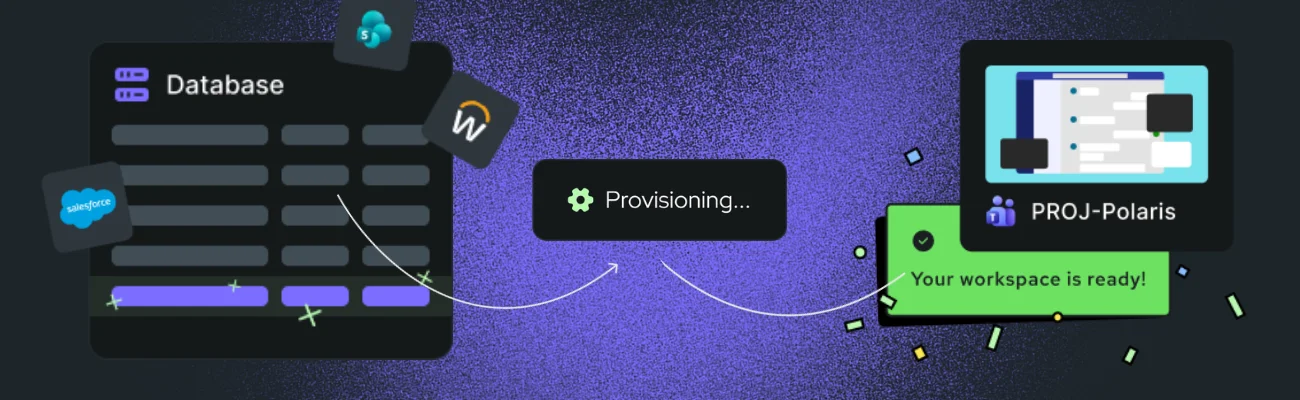
How it works:
- Connect to CRM (Salesforce, Dynamics), HR platforms, SharePoint lists, or any system via API
- Define trigger rules: new client, new project, new hire
- When data changes, the workspace provisions automatically with all governance applied
* Requires Automation Projects (Enterprise tier)
How You Save
with Automate365
Every manually created workspace costs more than you think. Not just in time, but in governance gaps that become next month's cleanup project. Missed naming conventions, wrong permissions, forgotten policies. Multiply that across every site and team your organization creates, and the spend adds up fast.
Automate365 replaces manual builds with templates that provision governed workspaces in seconds, eliminating repetitive costs and the governance risk that comes with every human touchpoint.

Simple example
A basic SharePoint site takes at least two days to set up manually. At $50/hour, that's $800 per site and $8,000/month if your team creates just 10.
Complex project workspaces easily double that.
Testimonials
Use left and right arrow keys to navigate between testimonials, or swipe on touch devices.

Go Further with Workspace Integrity
Governed creation is where workspace integrity begins, but it is not where it ends. Automate365 ensures every new workspace starts right. Pulse365 keeps everything that already exists in your tenant healthy and compliant. Intranet ensures the environment is one your people actually use. Together, the three dimensions form a system that maintains your M365 environment by default, not by cleanup.
See how the platform works togetherIntegrations
Easy Integration to Your IT Environment
Automate365 is native to Microsoft SharePoint and connects to your ITSM, CRM, HR systems, or any data source via API.

"Automate365 has saved us an incredible amount of time. We've integrated Automate365 with ServiceNow, allowing us to automatically create SharePoint sites using various templates on the fly. When a user submits a request for a site, IT approves it, and the site is created with all necessary components, including adding external users"

Verified G2 Review



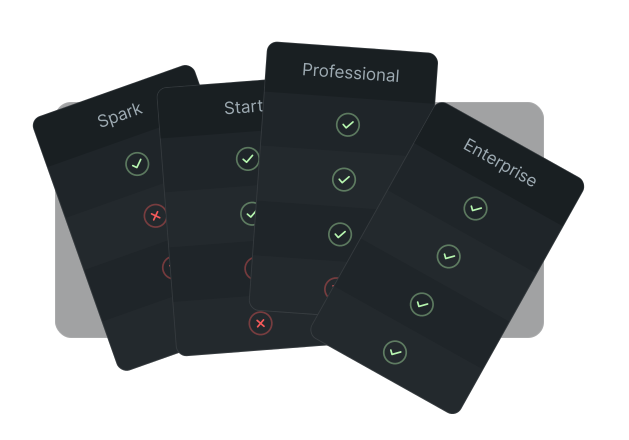
Start at $0.
Scale When You're Ready
Your first governed workspaces cost nothing. Credits scale with your provisioning volume.
Frequently Asked Questions
Automated provisioning means workspaces (Teams, SharePoint sites, Planner boards, and more) are created from templates with built-in governance instead of starting from scratch with default settings. Your naming conventions, policies, and ownership requirements are applied automatically at creation.
Automate365 provides a template builder where you define everything: channels, folders, document libraries, sensitivity labels, retention labels, and more. No code required. Once published, users request from your catalog and governance happens automatically.
Yes. Define prefix/suffix rules, department codes, or dynamic variables in your templates. Every workspace created through Automate365 follows your naming standards without exception.
Users browse your template catalog and submit requests. Based on your rules, requests either auto-approve (for low-risk templates) or route to designated approvers. Once approved, the workspace is created automatically with all policies in place.
Data-driven provisioning means workspaces are created automatically when data changes in connected systems. A new client added to your CRM triggers a client workspace. A new hire in your HR system triggers an onboarding site. This happens without anyone submitting a request.
Yes. Automate365 can replace the native "Create Site" experience in SharePoint so every site request flows through your governed templates. Users still get a familiar interface, but every site created follows your standards.
Requests can originate directly in ServiceNow or Jira and flow through your existing approval processes. When approved, Automate365 provisions the workspace automatically. Your teams keep working in the tools they already use.
The opposite. Instead of creating blank workspaces and figuring out the structure themselves, users pick from ready-made templates designed for their specific needs. They get working workspaces faster, with less effort. In our experience, users prefer it this way.
Orchestry is a capable governance platform with solid provisioning. Where Automate365 goes further is in template complexity and automation depth: dynamic content populated from external data at the moment of creation, native integrations with ServiceNow and Jira, and data-driven provisioning that triggers automatically when connected systems change.<br>The larger difference is what surrounds it. Pair Automate365 with Pulse365 and you get full lifecycle visibility: which templates produce compliant, active workspaces and which ones drift over time. Add the Intranet layer and you get the third dimension: an environment people actually use. That's workspace integrity — a tenant that stays clean by default, and one employees choose to work in.
Automate365 addresses one of the key Copilot blockers: ungoverned workspace creation. When every new workspace starts with proper permissions, sensitivity labels, and ownership, you reduce the risk of Copilot surfacing sensitive data to the wrong people. Combine with Pulse365 to identify and fix existing permission issues across your tenant.





Fix the Source,
Not Just the Symptoms
You can keep cleaning up ungoverned workspaces forever. Or you can make sure every new workspace starts right. Automate365 is the front door to your M365 tenant. Let us show you how it works.